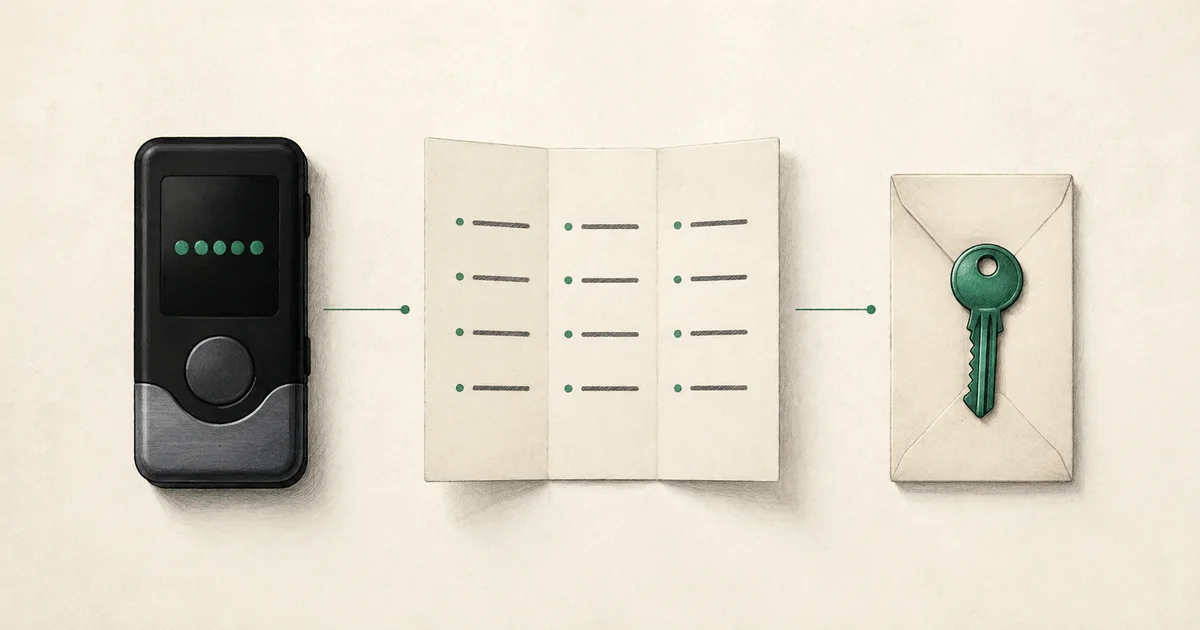
Three secrets with different jobs
“The password is in the envelope” is an ambiguous recovery instruction. It could mean a device PIN, an app password, a wallet passphrase, or the phrase that opens an encrypted instruction file. A family member can enter the correct secret in the wrong place and still be unable to recover anything.
Use explicit names in your documentation. This guide focuses on self-custody hardware wallets and BIP-39 terminology. Other backup standards, including SLIP-39, and multisignature configurations need their own compatible recovery instructions. Do not assume that all sets of wallet words are interchangeable.
| Item | Main purpose | Does it work alone if the device is lost? | What to document separately |
|---|---|---|---|
| Device PIN | Unlocks access on that device | No | Which device it belongs to; approved recovery route if unavailable |
| Recovery phrase or wallet backup | Reconstructs wallet key material on compatible equipment | Possibly, if no additional factor or configuration is needed | Backup standard, wallet context, location reference |
| Optional wallet passphrase | Selects a passphrase-derived wallet with the backup | No | Whether one is used and how an authorized person obtains the exact value |
| App or service password | Opens a particular app or provider account | Not a substitute for the wallet backup | Which app or account it controls |
| PingVaults recovery phrase | Decrypts a PingVaults instruction vault | Only opens that instruction file with its metadata | A separate route to obtain it; never reuse a wallet seed |
What the PIN protects
Trezor’s PIN documentation describes the PIN as protection for device access. It is not the same recovery input as the wallet backup. Retry limits and recovery procedures depend on the model, so a recipient should consult the exact device’s official instructions before trying guesses.
For planning, write “device unlock PIN” rather than “wallet password.” Record that there is a recovery path if the device fails, but keep the actual PIN protected. A device that currently opens is not evidence that the backup is complete or legible.
Do not reset the only working production device just to discover whether an inheritance plan is adequate. Resolve documentation gaps while access still exists.
What the recovery phrase restores
A recovery phrase is part of the wallet’s cryptographic recovery system. It is not a customer-service reset code. BIP-39 specifies a mnemonic-to-seed process and the optional passphrase input. Wallet-generated words must retain their exact order; translating them for a relative changes the recovery material.
The words also do not tell a novice everything about the surrounding setup. Your instructions should identify the network, wallet software, account configuration, and any additional factors. A restored wallet can look unfamiliar when the wrong account or network is selected.
For a more complete storage discussion, see how to store a seed phrase for yourself and your heirs. The practical inheritance task here is to document which backup belongs to which wallet, without copying its words into a general inventory.
Why a passphrase can show an empty wallet
The optional passphrase is often called the “25th word” (or 13th word with a 12-word backup), although it can be any phrase and is not taken from the word list. In a BIP-39 setup, changing the passphrase changes the derived seed. A typo can therefore lead to a valid but different wallet rather than a simple “incorrect password” message. Trezor’s passphrase instructions also emphasize exact entry, including case and spaces.
If your plan uses this feature, the record must say that it exists. Keep the exact passphrase separately protected and test the intended retrieval route. Describing it as “the usual password” or expecting a relative to guess a family saying creates an avoidable failure.
Adding a passphrase changes the operational burden. It is not an automatic recommendation for every household. The owner and recipient need to understand the extra dependency before relying on it.
Write a recovery record without exposing secrets
Here is a fictional example of the context to record. The labels refer to protected instructions; they are not real addresses or credentials.
| Record field | Example |
|---|---|
| Wallet label | WALLET-A, long-term Bitcoin holdings |
| Device | Hardware wallet; model and official guide recorded in R-01 |
| Backup | Standard confirmed by owner; protected backup reference B-01 |
| Passphrase | Used; obtain through separate procedure P-01 |
| Wallet context | Network and account details in protected configuration note C-01 |
| First check | Match a known receiving address in a private record before considering a transfer |
| Stop condition | Unexpected wallet, missing factor, or unknown software: stop and contact the designated helper |
Addresses and configuration notes can reveal financial relationships, even when they cannot authorize a transfer. Keep the record private and give each helper only the information needed for their role.
This format avoids a common gap: the owner has a backup, but the family does not know that the funded wallet uses an additional factor. It also keeps the instruction-file phrase distinct from the wallet’s spending secrets.
Test the instructions in two stages
First, run a paper walkthrough. Give the recipient the recovery record and ask them to explain which item unlocks which layer. They should be able to distinguish the device, backup, optional passphrase, and instruction vault without seeing any production secret.
Second, use a separate practice wallet and harmless instructions to rehearse the actual sequence. Record whether the expected wallet identity was confirmed, not merely whether a screen opened. Our recovery-drill checklist provides pass criteria and a printable worksheet.
A manufacturer backup-check feature serves another purpose. For example, Trezor Safe 5’s Check backup procedure compares an entered backup against the device’s stored backup. That check is useful, but it does not by itself establish that a relative can find the materials, obtain a separately held passphrase, or act with authority.
If a real recovery looks wrong
Stop before sending funds, resetting devices, or entering secrets into another tool. Check the documented wallet type, network, account, backup standard, and presence of a passphrase using official guidance. Do not treat an empty-looking wallet as proof that the funds are gone.
If the setup cannot be explained from the records, involve a qualified person through a previously verified contact route. A stranger offering to “validate” seed words in a website or chat is not a recovery procedure.
If the owner has died: a Ledger or Trezor in the drawer
Families often find the device first and the paperwork later. The device on its own is rarely enough, and a few wrong moves can make recovery harder.
- Don't guess the PIN. Ledger says that after three incorrect attempts the device factory resets and can only be restored with the recovery phrase. Trezor erases the wallet after 10 wrong attempts on the Safe 7 and 16 on other current models. A reset is not a disaster if the backup exists, but it removes the easiest way to confirm which wallet the device held.
- Look for the backup and the instructions before touching the device. Check envelopes, safes, a safe deposit box, a letter of instruction, and the estate papers for a recovery sheet, a metal backup, or a note that a passphrase is used. Write down where each item was found; do not photograph or type the words anywhere.
- No company can unlock it for you. Ledger and Trezor do not hold the owner's keys, so there is no estate claim form for a hardware wallet the way there is for an exchange account. Anyone who offers to "unlock" it for a fee or asks for the words is not a legitimate route; see which wallet support numbers are real.
- Confirm authority before moving anything. The executor or administrator decides when and where assets move. Record the value on the date of death for the estate's adviser; see is inherited crypto taxable?
- Get a technical helper for the restore itself. Restoring on a new, genuine device bought from the manufacturer, with the estate's adviser informed, is safer than a relative experimenting alone. Use the steps in the rest of this guide to check the wallet type, network, account, and passphrase before concluding that a wallet is empty.
If paperwork shows the owner used a paid backup service, such as Ledger Recover, ask the provider through its official website what an estate can do. Do not assume a service tied to the owner's identity can be used by someone else.
For the wider first-month plan, including finding exchange accounts, use the family checklist for the first 30 days.
Common questions
Can Ledger or Trezor unlock a deceased person's device?
No. Both make self-custody wallets and do not hold the owner's keys or PIN. The family needs the recovery phrase, and any passphrase, that the owner created.
Can changing a device PIN change my wallet?
On a wallet where the PIN only controls device access, changing that PIN does not itself choose a different passphrase wallet. Follow the manufacturer’s model-specific procedure and verify your backup first.
Is a passphrase the thirteenth or twenty-fifth word?
Those labels are informal and can confuse recipients. Write “optional wallet passphrase” explicitly and identify the backup standard. Do not append it to the mnemonic list as though it were another ordinary seed word.
Can PingVaults recover a missing wallet passphrase?
No. PingVaults can hold an encrypted map to separately protected recovery materials. It cannot reconstruct a missing wallet secret or replace a hardware-wallet backup. Review its security boundaries before choosing what to store.